

Running an online business in 2026 means you are competing with people who write faster, design better, and publish more consistently than ever before. Not because they work harder — but because they use AI tools that handle the time-consuming parts for them.
If you’re a beginner, the AI tools landscape feels overwhelming. There are hundreds of options, most of them expensive, and none of them come with a clear explanation of which ones actually matter for someone just starting out.
This guide cuts through that noise. We tested and researched the 10 best AI tools for online business in 2026 — each one chosen specifically because it’s useful for beginners, reasonably priced, and genuinely makes a difference to how much you can get done. No hype, no fluff — just honest assessments of what each tool does, who it’s for, and whether it’s worth your money.
What this guide covers: 10 tools, one clear purpose each
- The best AI tool for writing content
- The best for designing visuals
- The best for SEO and ranking
- The best for creating videos
- The best for productivity and staying organised
- Plus: the best budget pick with a lifetime deal
What Are AI Tools and Why Do They Matter for Online Business?
AI tools are software programmes that use artificial intelligence to help you complete tasks faster and more efficiently. Instead of spending three hours writing a blog post, an AI writing tool can help you draft it in 30 minutes. Instead of hiring a designer, an AI design tool gives you professional-quality visuals in minutes.
For someone running an online business — whether that’s an affiliate site, a freelance service, an eCommerce store, or a blog — AI tools are genuinely useful in three specific ways:
- They save time: Tasks that used to take hours can take minutes. This matters most when you’re a one-person business without a team.
- They lower the cost of getting started: You don’t need to hire writers, designers, or voiceover artists when AI can produce good-enough versions of all three.
- They help you stay consistent: Consistency is what builds an online business over time. AI tools make it easier to publish regularly, respond to customers quickly, and keep your brand looking polished.
The key is knowing which tools are actually worth using — and which ones are just expensive subscriptions you’ll forget about after a month.
Quick Comparison: 10 Best AI Tools for Online Business
Here’s a side-by-side overview of every tool in this guide. Full reviews follow below.
Tool | Best For | Free Plan | Starting Price | Our Rating |
ChatGPT | Writing & research | Yes | Free - $20/month | 4.8 / 5 |
Jasper | Copywriting | No (trial) | $39/month | 4.5 / 5 |
Copy.ai | Workflows & emails | Yes | $29/month | 4.3 / 5 |
Writesonic | SEO Content | Yes (limited) | $79/month | 4.4 / 5 |
Surfer SEO | Content ranking | No | $99/month | 4.6 / 5 |
Pictory | Video creation | No (trial) | $25/month | 4.2 / 5 |
Canva | Design & visuals | Yes | Free - $49/month | 4.7 / 5 |
Murf | Voiceovers | Yes (limited) | Free - $19/month | 4.3 / 5 |
Notion AI | Productivity | Yes (limited) | $10 per member / month | 4.4 / 5 |
TidyCal | Scheduling | Yes | $29 / Lifetime | 4.5 / 5 |
01. ChatGPT (OpenAI)
Best AI tool for writing, research, and brainstorming
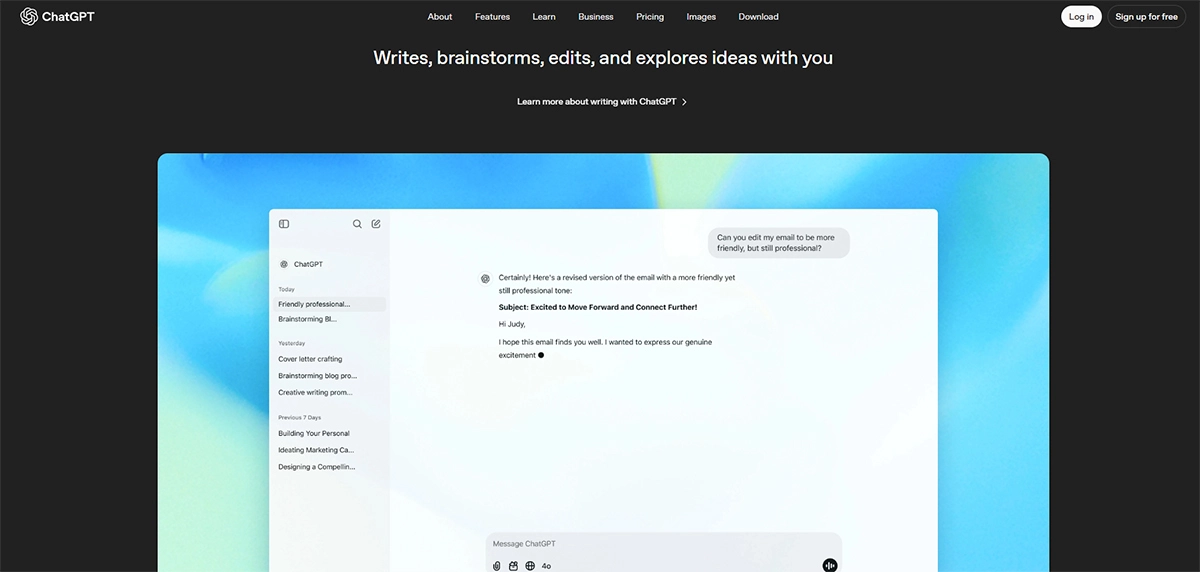
ChatGPT is the most versatile AI tool available for beginners in 2026. It’s a conversational AI that you interact with by typing — you ask it something, it responds. That sounds simple, but the range of things it can help with is genuinely broad.
For an online business, ChatGPT is most useful for writing. You can use it to draft blog post outlines, write first drafts of articles, create product descriptions, write email newsletters, generate social media captions, or brainstorm content ideas when you’re stuck. It can also help with research, answer questions about tools or topics you’re unfamiliar with, and even write simple code if you need it.
The free version (GPT-3.5) is genuinely useful and enough to get started. ChatGPT Plus ($20/month) gives you access to GPT-4o, which is significantly more capable — better writing quality, better reasoning, and more accurate responses. For a beginner building a content site or affiliate site, the free version is a good starting point and you can upgrade once you’re publishing regularly.
What ChatGPT does best for online business
- Drafting article outlines and first drafts.
- Writing product and tool descriptions.
- Brainstorming content ideas and angles.
- Writing email sequences and newsletter content.
- Summarising long documents or research.
What works well | Worth knowing |
+ Free plan is genuinely useful + Works for almost any content task + Beginner-friendly interface + No design or technical skills needed | - Output needs human editing and fact-checking - Can sound generic without specific prompting - Free plan has usage limits during peak hours |
Pricing: Free plan available. ChatGPT Plus at $20/month. | Free plan available
Best for: Beginners, bloggers, affiliate marketers, freelancers – anyone who writes content.
02. Jasper AI
Best AI tool for conversion-focused marketing

Jasper AI is a purpose-built AI writing tool designed specifically for marketing content. Unlike ChatGPT which is a general assistant, Jasper is built around the specific content types that businesses use to generate revenue — ad copy, landing page text, email campaigns, product descriptions, and blog posts written to convert readers into customers.
The key difference between Jasper and ChatGPT is focus. Jasper has built-in templates for dozens of marketing scenarios, a brand voice feature that keeps your writing consistent across all your content, and workflow tools designed for teams or solo marketers managing multiple content pieces at once.
For a beginner running an affiliate site or a small eCommerce store, Jasper’s templates make it much faster to write copy that actually sounds like it was written by a professional marketer. The trade-off is price — at $39/month, it’s more expensive than ChatGPT Plus, and for many beginners, ChatGPT does the job well enough at lower cost.
What Jasper does best for online business
- Writing sales and landing page copy
- Creating ad copy for Facebook, Google, and social platforms
- Maintaining consistent brand voice across all content
- Writing affiliate product reviews with a persuasive structure
What works well | Worth knowing |
+ Templates built specifically for marketing copy + Brand voice consistency across content + Faster than writing from scratch | - More expensive than ChatGPT for similar tasks - No free plan -- trial only - Beginners may not need all the features immediately |
Pricing: Starts at $39/month. No free plan — 7-day trial available. | Paid only
Best for: Affiliate marketers, copywriters, and small business owners who write a lot of sales content.
03. Copy.ai
Best AI tool for email marketing and workflow automation
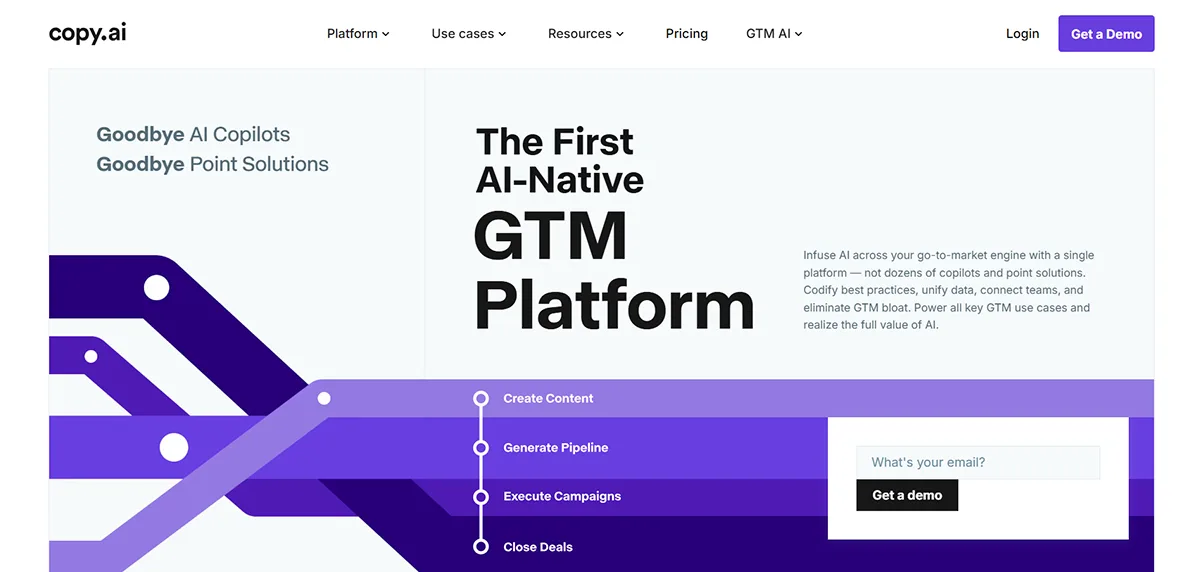
Copy.ai started as an AI copywriting tool but has evolved into a broader marketing automation platform. In 2026, its most useful feature for online business owners is its GTM (go-to-market) workflow system — a way to automate sequences of marketing tasks without writing code or managing complex software.
In practical terms for a beginner, this means you can use Copy.ai to generate a week of social media content in one session, create email sequences for your newsletter, write product launch copy, or build a content calendar with draft ideas already filled in. The free plan is generous enough to test these features properly before committing to a paid subscription.
Copy.ai is not the strongest tool for long-form content like blog posts — ChatGPT or Jasper handles that better. Where it stands out is speed and volume for shorter content types: emails, social posts, ads, and structured workflows.
What Copy.ai does best for online businesses
- Creating email sequences and newsletter content
- Generating social media content in bulk
- Building automated marketing workflows
- Writing ad copy and short-form promotional content
What works well | Worth knowing |
+ Generous free plan + Workflow automation is genuinely useful + Fast output for short-form content | - Less capable for long-form blog writing - Workflow features take time to learn - Some outputs feel template-heavy |
Pricing: Free plan available. Paid plans from $29/month. | Free plan available
Best for: Email marketers, social media managers, and startup founders managing content across multiple channels.
04. Writesonic
Best AI tool for SEO-optimised content creation
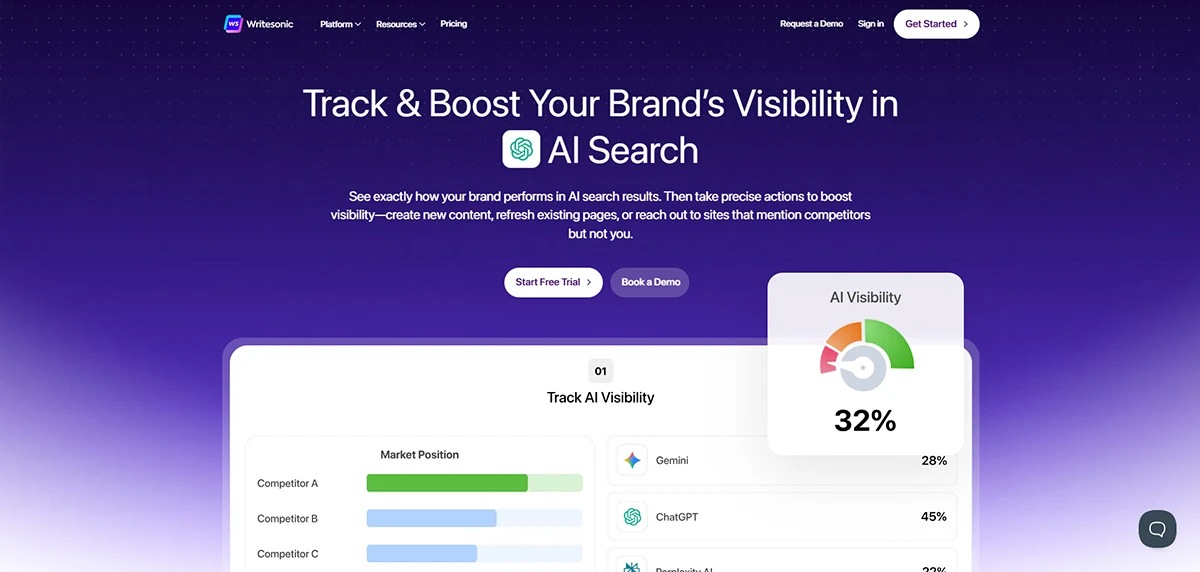
Writesonic sits in an interesting position in the AI writing tool market. It combines AI content generation with SEO optimisation signals, which means it doesn’t just help you write faster — it helps you write content that’s more likely to rank on Google.
For a beginner building an affiliate site or blog, this matters. Writing content that no one ever finds via search is one of the most common mistakes new site owners make. Writesonic integrates keyword guidance, content structure suggestions, and readability feedback directly into the writing process, which reduces the gap between writing and optimising.
The main drawback is pricing. At $79/month, Writesonic is the most expensive writing tool on this list. For a beginner with a limited budget, it’s worth trying the free plan first to understand whether the SEO features genuinely improve your workflow before committing. If you’re already using a separate SEO tool like Surfer SEO, you may find that Writesonic’s SEO features duplicate what you already have.
What Writesonic does best for online businesses
- Writing SEO-optimised blog posts and articles
- Generating content with built-in keyword guidance
- Creating product descriptions with SEO structure
- Monitoring brand presence in AI search results like Google SGE
What works well | Worth knowing |
+ SEO guidance built directly into writing workflow + GPT-4 integration for quality output + Good for content-heavy affiliate sites | - Most expensive writing tool on this list - A credit-based model can run out quickly - The free plan is very limited |
Pricing: Starts at $79/month. Limited free plan available. | Free plan available
Best for: Bloggers and affiliate site owners who want SEO guidance built into their content creation workflow.
05. Surfer SEO
Best tool for ranking your content on Google
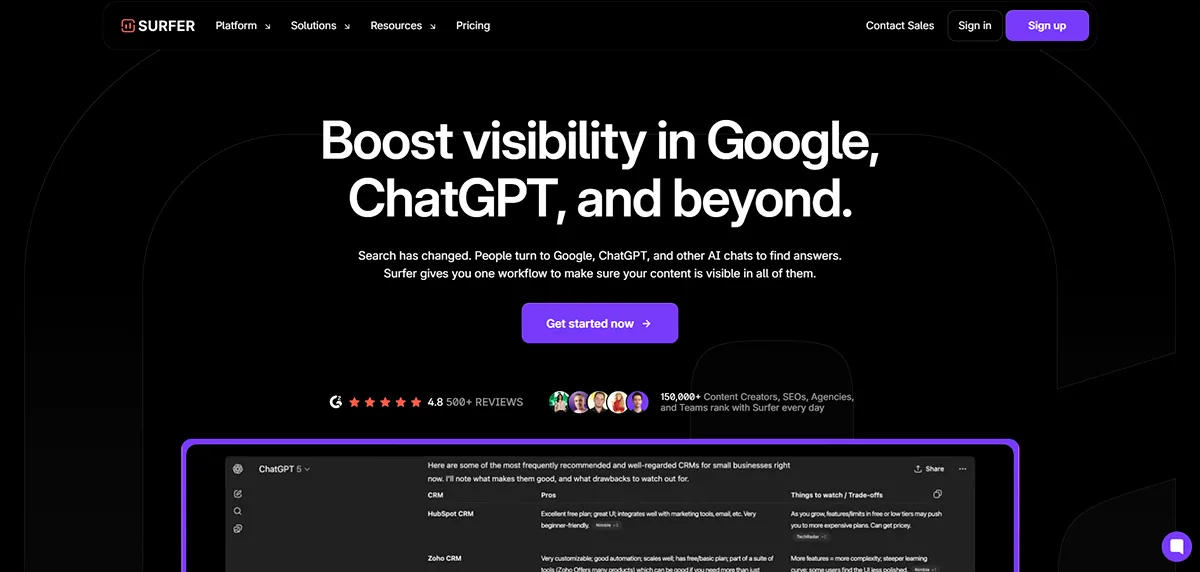
Surfer SEO is not a writing tool — it’s a content optimisation tool. The difference matters. You use Surfer to analyse what Google is already rewarding for a given keyword, then structure and write your content to match those patterns. It tells you how many words to write, which keywords to include and how often, how to structure your headings, and how your content compares to the pages currently ranking in the top 10.
For a beginner who wants to write content that actually ranks on Google rather than disappearing into obscurity, Surfer SEO is one of the most practically useful tools available. The learning curve is manageable — most beginners can understand the core content editor within an hour. And the results, when you follow the recommendations consistently, are measurable.
The $99/month starting price is the main barrier for beginners. If you’re early in your content journey and not yet publishing consistently, it’s not the right time to invest. But once you’re publishing 4+ articles per week and have a clear content strategy, Surfer’s data directly improves your ranking potential.
What Surfer SEO does best for online business
- Analysing exactly what Google rewards for any keyword
- Scoring your content in real time as you write
- Identifying keyword gaps compared to ranking competitors
- Building content briefs that reduce research time significantly
What works well | Worth knowing |
+ Data-driven approach removes SEO guesswork + Real-time scoring while you write + Integrates with Google Docs and Jasper | - High starting price -- not ideal for early-stage beginners - No free plan - Takes time to see ranking results |
Pricing: Starts at $99/month. No free plan available. | Paid only
Best for: Bloggers and affiliate site owners who are publishing consistently and want to rank faster on Google.
06. Pictory AI
Best tool for turning written content into videos.
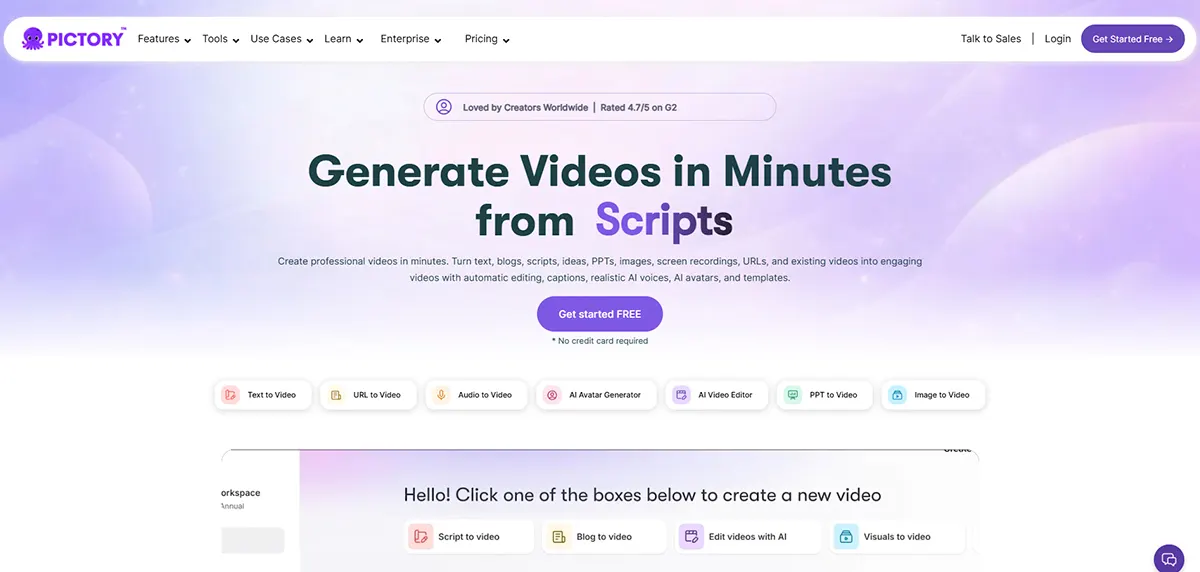
Video content is one of the most effective ways to build an audience online — but most beginners avoid it because it feels complicated and time-consuming. Pictory AI removes most of that friction. You paste in a blog post, script, or piece of text, and Pictory automatically generates a video with relevant visuals, background music, and subtitles.
The output isn’t cinematic quality, but for social media clips, YouTube summaries, or short promotional content, it’s genuinely good enough. For an affiliate site or content business, the ability to repurpose written articles into video content means you can reach audiences on YouTube and social media without filming anything or learning video editing software.
Pictory is best treated as a repurposing tool rather than a primary content creation platform. If you’re already writing articles, Pictory lets you extract more value from each piece of content by turning it into a second format with minimal extra effort.
What Pictory does best for online businesses
- Converting blog posts into short promotional videos
- Adding auto-captions to video content for social media
- Creating YouTube summary videos from longer written content
- Repurposing existing content across multiple formats
What works well | Worth knowing |
+ No video editing skills required + Fast turnaround from text to video + Good for repurposing existing written content | - Output quality not suitable for high-production content - Limited customisation over visual choices - Trial only -- no ongoing free plan |
Pricing: Starts at $25/month. Trial available, no ongoing free plan. | Paid only
Best for: Bloggers and content creators who want to repurpose written articles into video without filming or editing.
07. Canva AI
Best tool for creating professional visuals without design skills.
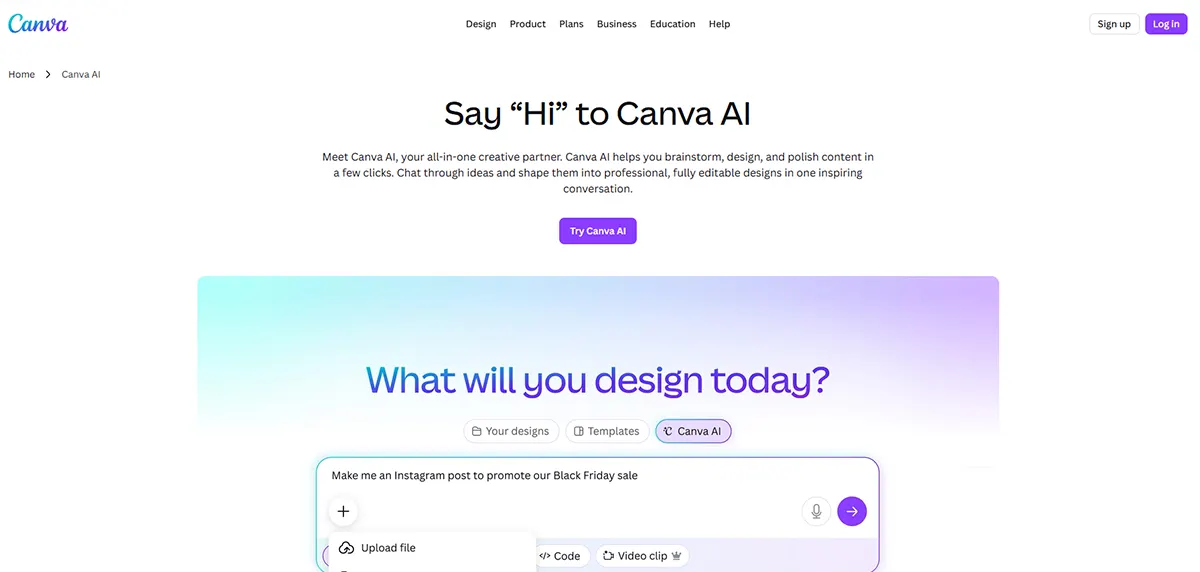
Canva is the most beginner-friendly design tool available, and its AI features have made it significantly more capable in 2026. If you need to create visuals for your online business — social media graphics, blog post featured images, presentation slides, email headers, or promotional banners — Canva lets you do it without any design training.
The AI features worth knowing about: the Magic Write tool generates copy for your designs, the background remover works in one click, the text-to-image generator creates custom visuals from a description, and the Magic Resize tool reformats any design for different platforms instantly. For a beginner, these features genuinely reduce the time it takes to produce good-looking content.
Canva’s free plan covers most beginner needs. The Pro plan at $15/month (billed annually) adds the AI features, removes the background remover limit, and unlocks a much larger library of templates and assets. It’s one of the best-value paid upgrades on this list.
What Canva AI does best for online businesses
- Creating featured images for blog posts and articles
- Designing social media graphics for multiple platforms
- Building presentation slides and pitch decks
- Generating custom images using text-to-image AI
What works well | Worth knowing |
+ Free plan is genuinely useful for most beginners + Huge template library across every content type + Very short learning curve + One of the best-value Pro upgrades available | - Limited control for advanced or custom design work - AI-generated images can look generic - Not suitable for complex branding projects |
Pricing: Free plan available. Canva Pro at $15/month (billed annually). | Free plan available
Best for: Every beginner running an online business — visual content is unavoidable and Canva makes it manageable.
08. Murf AI
Best tool for creating professional voiceovers.
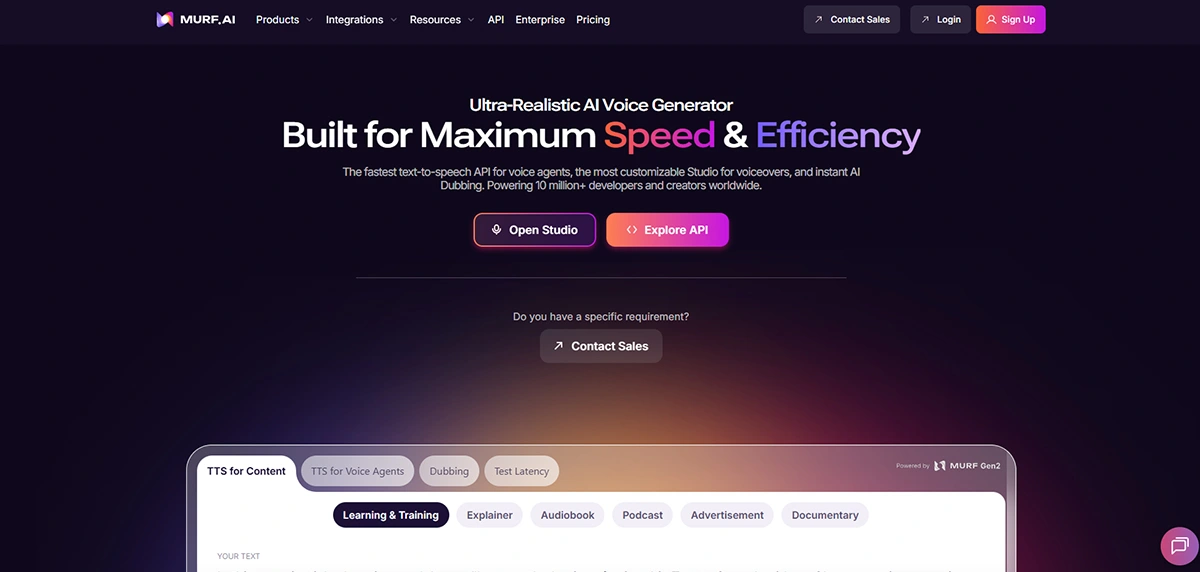
If you’re creating videos, courses, or any audio content for your online business, Murf AI solves a specific problem: professional-quality voiceovers without hiring a voice actor or recording yourself. You type your script, choose from over 120 AI voices across 20 languages, and Murf generates a natural-sounding audio file in minutes.
The quality of Murf’s voices is noticeably better than most text-to-speech tools. The voices have natural pacing, realistic intonation, and are genuinely listenable for content like explainer videos, product demos, YouTube content, or online course narration.
Murf is a niche tool — it’s only useful if you’re creating content that requires audio. If that’s part of your business model (YouTube, podcasting, online courses, video ads), it’s an excellent time-saver. If you’re purely building a written content site, you can skip it for now.
What Murf AI does best for online business
- Creating voiceovers for YouTube videos and promotional content
- Narrating online courses and training materials
- Adding professional audio to Pictory or Canva videos
- Producing multilingual content for global audiences
What works well | Worth knowing |
+ Voice quality is noticeably natural + Over 120 voices across 20 languages + Much cheaper than hiring voice talent + Free plan lets you test quality before paying | - Only useful if your business involves audio content - Free plan has strict minute limits - Voice customisation options are limited on lower plans |
Pricing: Free plan available (limited). Paid plans from $19/month. | Free plan available
Best for: Content creators, course builders, and YouTubers who need professional voiceovers without recording equipment.
09. Notion AI
Best tool for organising your business and staying productive.
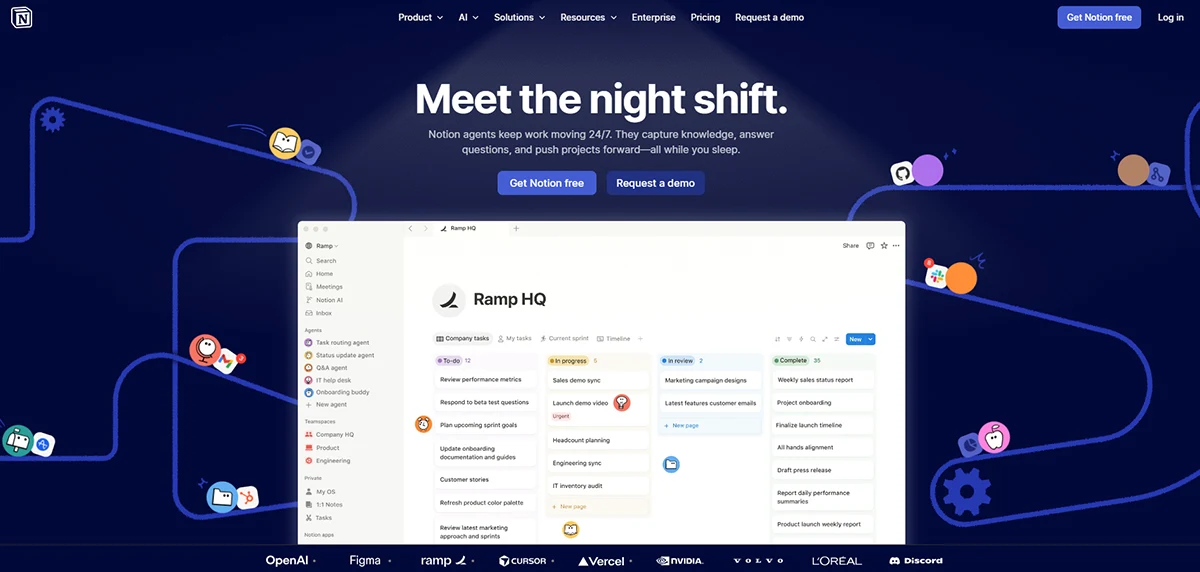
Notion is an all-in-one workspace where you can manage tasks, write content, plan projects, track your content calendar, and organise everything related to your business in one place. The AI features built into Notion in 2026 add a layer of intelligence to all of that — you can ask it to summarise your meeting notes, draft a project outline, improve a piece of writing, or extract action items from a document.
For a beginner running a one-person online business, Notion solves a real problem: keeping everything organised without using five different apps. Your content ideas, publishing schedule, tool research, financial tracking, and project notes can all live in one workspace. The AI layer makes it faster to work with all of that information.
The learning curve is real — Notion takes a few days to set up and customise to your workflow. But the payoff is significant if you stick with it. Most serious online business owners who use Notion say it fundamentally changes how organised and productive they feel.
What Notion AI does best for online business
- Managing your content calendar and publishing schedule
- Keeping all your research, notes, and ideas in one place
- Summarising and extracting insights from long documents
- Writing and improving content directly inside your workspace
What works well | Worth knowing |
+ Replaces multiple productivity apps in one workspace + AI features integrate directly into your existing notes + Free plan is workable for solo users | - Takes time to set up and customise properly - AI features cost extra on top of the base plan - Can be overwhelming for complete beginners initially |
Pricing: Free plan available. Notion AI adds $10/month per user. | Free plan available
Best for: Founders, bloggers, and solopreneurs who want to run their entire business from a single, organised workspace.
10. TidyCal
Best budget pick for appointment and meeting scheduling.
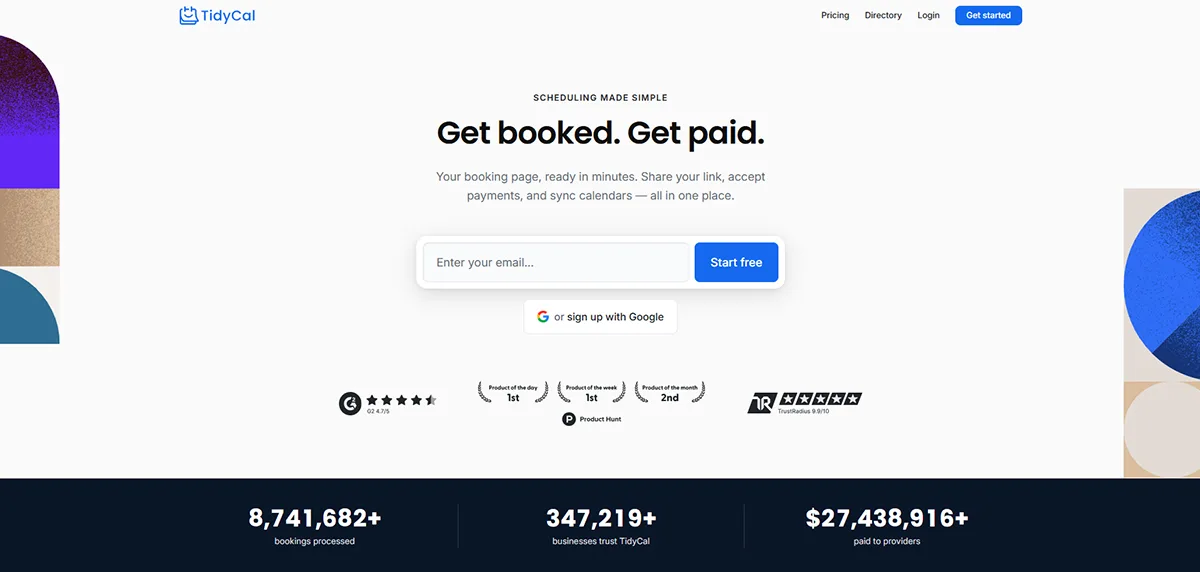
TidyCal is the most budget-friendly tool on this list for a simple reason: it’s available as a lifetime deal on AppSumo for $29. You pay once and you’re done — no monthly subscription, no recurring cost. For a tool you’ll use every week of your business life, that’s exceptional value.
TidyCal solves the scheduling problem that every freelancer, coach, consultant, or service business runs into: coordinating meeting times with clients through back-and-forth emails. You set your availability, share your booking link, and clients choose a time that works. It connects to Google Calendar, Outlook, and Zoom, so everything stays synchronised automatically.
TidyCal isn’t technically an AI tool in the way the others on this list are. It uses some automation features but is primarily a smart scheduling tool. We’ve included it because it solves a real problem for beginners at a price that makes it a genuine no-brainer, and it represents the kind of lifetime deal you can find on AppSumo that saves money long-term.
What TidyCal does best for online business
- Eliminating back-and-forth emails for scheduling meetings
- Sharing a professional booking link with clients
- Syncing with Google Calendar, Outlook, and Zoom
- Setting custom availability, buffer times, and meeting types
What works well | Worth knowing |
+ Lifetime deal at $29 -- no ongoing subscription cost + Simple setup in under 30 minutes + Clean, professional booking page for clients | - Basic feature set compared to tools like Calendly - Not a full AI tool -- more of a smart scheduler - Limited customisation on the lifetime plan |
Pricing: $29 one-time payment (AppSumo lifetime deal). | Free plan available
Best for: Freelancers, coaches, consultants, and any service business that books meetings with clients.
Which AI Tools Should You Actually Start With?
If you’re just starting out, you don’t need all ten. You need two or three tools that match where you actually are right now.
If you’re building a content or affiliate site: Start with these 3
ChatGPT (free) for writing and research — Canva (free) for visuals — Surfer SEO (paid) once you’re publishing consistently. That’s your core stack for the first 6 months.
If you’re building a service or freelance business: Start with these 3
ChatGPT for writing proposals and client content — Canva for presentation and portfolio visuals — TidyCal ($29 lifetime) for scheduling. Total cost: under $50 to start.
If you’re on a tight budget: AppSumo strategy
Check AppSumo before buying any tool at full price. Lifetime deals on AI and productivity tools appear regularly. TidyCal is just one example – you can often build a solid tool stack for under $200 total through lifetime deals.
The most important thing isn’t which tools you pick. It’s starting with the minimum you need, learning them properly, and adding more only when you have a specific problem that a new tool would solve.
Frequently Asked Questions
Do I need to use AI tools to run an online business?
No — you don’t need them, but they make a real difference to how much you can get done. A beginner using ChatGPT and Canva can produce content and visuals significantly faster than someone working without AI tools. At the scale most beginners operate, the time savings are worth it even if you only use free plans.
Are AI writing tools accurate? Can I trust the content they produce?
AI writing tools are useful for creating drafts and generating ideas — but they are not reliable for facts, statistics, or specific claims. You should always read through AI-generated content, fact-check anything specific, and rewrite sections that don’t sound natural or accurate. Treat AI as a writing assistant, not a writer you can publish without reviewing.
Which AI tool is best for a complete beginner with no budget?
Start with ChatGPT (free) and Canva (free). These two tools alone cover writing, research, brainstorming, and visual design — the four most common tasks a beginner faces. Both have genuinely useful free plans that you can use indefinitely before upgrading.
What’s the difference between ChatGPT and Jasper AI?
ChatGPT is a general-purpose AI assistant that can help with almost any task. Jasper AI is specifically designed for marketing copy — ads, landing pages, email campaigns, and sales content. If you’re writing blog posts and doing research, ChatGPT is usually enough. If you’re focused heavily on conversion-focused marketing content, Jasper’s templates give you a faster starting point.
What is AppSumo and why is it mentioned here?
AppSumo is a platform that sells software tools at lifetime deal prices — you pay once instead of subscribing monthly. It’s particularly good for discovering AI and productivity tools at a fraction of their regular cost. TidyCal on this list is one example. If you’re building a tool stack on a budget, checking AppSumo before buying any tool at full price is a smart habit.
Ready to Build Your AI Tool Stack?
You now have a clear, honest picture of the 10 best AI tools for online business in 2026 – what each one does, who it’s for, and how much it costs. The best next step is simple: start with one tool, learn it properly, and add more as your business grows.
If you’re not sure where to begin, start with ChatGPT and Canva. Both are free, both are useful immediately, and both will still be in your tool stack years from now regardless of what else you add.
For more help building the right setup, read our guides on how to start an online business and the best website builders for beginners – both walk you through the decisions that come before choosing your tools.
