

You want to start a website. You search for hosting and immediately see prices like $1.99, $2.99, and $3.95 per month. It sounds great. Then you read the fine print and realize the price triples at renewal. Suddenly that “cheap” plan does not feel so cheap.
That is the biggest problem with finding the best cheap hosting as a beginner. The advertised price is not the real price. Most guides do not tell you what you will actually pay in year two.
This guide does. Every price listed here comes from the official hosting provider website. We show you both the intro rate and the renewal rate. No surprises.
We also explain what shared hosting is, what to look for, and which provider is the right fit for different types of beginners. Read the section that matches your situation and make your decision with full information.
What Is Shared Hosting? (The Simple Version)
When you sign up for cheap web hosting, you are almost always signing up for shared hosting. That is the most affordable type of hosting, and it works fine for most beginner websites.
Think of shared hosting like renting a room in a shared apartment. You have your own space, but the building’s resources like electricity and internet are shared with everyone else in the building.
Your website shares a server with hundreds of other websites. You do not see their files, and they do not see yours. But if one site gets a huge surge of traffic, it can affect server performance for others.
For new blogs, portfolio sites, small business pages, and affiliate sites, shared hosting is perfectly fine. Most beginner websites will not outgrow a shared hosting plan for months or even years.
💡 Quick tip: Start with shared hosting. It is cheap, easy to manage, and gives you everything you need to launch. You can always upgrade to a VPS or cloud plan later when your site actually needs it.
The Renewal Price Problem Nobody Talks About
Here is the truth about cheap hosting: the low price you see is almost always a promotional rate for the first term only. When you renew, the price goes back to the regular rate.
This is standard practice across the entire hosting industry. It is not unique to one provider. The important thing is to know about it before you sign up so you can plan your budget properly.
Here is how to handle it. Sign up for the longest term you are comfortable with, usually one or two years. You lock in the low rate for that entire period. When renewal comes, you either renew or switch to another provider for a new promotional rate. Many budget-conscious site owners do exactly this.
⚠️ Watch renewal rates: Every hosting provider in this list uses promotional first-term pricing. Always check the renewal rate before signing up. We list both prices for each provider below so you know what to expect.
What to Look for in a Cheap Hosting Plan
Before jumping into the list, here is what actually matters when choosing budget hosting:
- Uptime guarantee: Look for 99.9% or higher. Uptime means how often your site is actually online. Less than 99.9% means your site is down for hours every month.
- Free SSL certificate: SSL makes your site secure and gives you the HTTPS padlock in the browser. Google also uses it as a ranking factor. Every decent host includes it free.
- Free domain name: Many cheap hosting plans include a free domain for the first year. That saves you $10 to $15 upfront.
- One-click WordPress install: If you plan to use WordPress, make sure the host makes installation simple. Most do.
- Customer support quality: When something breaks, you need help fast. Look for 24/7 live chat at minimum.
- Renewal price: As discussed above, always check what you will pay after the first term ends.
- Money-back guarantee: A 30-day money-back guarantee means you can try the host risk-free. Some providers offer longer guarantees.
Quick Comparison: 7 Best Cheap Hosting Plans at a Glance
Pricing Note: Intro prices shown are promotional rates for new customers, typically billed annually. For InMotion, A2 Hosting, and Namecheap, intro pricing can vary by current promotion. Always verify the current price on the official website before purchasing.
Provider | Intro Price | Renewal | Free Domain | Free SSL | Best For |
Hostinger | From $3.99/mo | ~$11.99/mo | 1Yr | Yes | Budget + value |
SiteGround | From $3.99/mo | ~$17.99/mo | No | Yes | Performance + daily backups |
Bluehost | From $4.99/mo | ~$11.99/mo | 1Yr | Yes | WordPress beginners |
DreamHost | From $2.89/mo | ~$10.99/mo | 1Yr | Yes | Best renewal rate |
InMotion Hosting | From $2.99/mo | ~$11.99/mo | 1Yr | Yes | US-based businesses |
Hosting.com | From $2.99/mo | ~$11.99/mo | 1Yr | Yes | Developer-friendly speed |
NameCheap | From $2.28/mo | Check official | No | Yes | Ultra-budget basic sites |
Note: Prices are applied for 1-year terms.
#1 Hostinger — Best Overall Value for Beginners
#1 PICK | 29M+ CUSTOMERS | 11 GLOBAL DATA CENTERS
💰 Intro Price: From $3.99/mo | Renews: ~$11.99/mo after first term | Check hostinger.com/pricing for latest prices
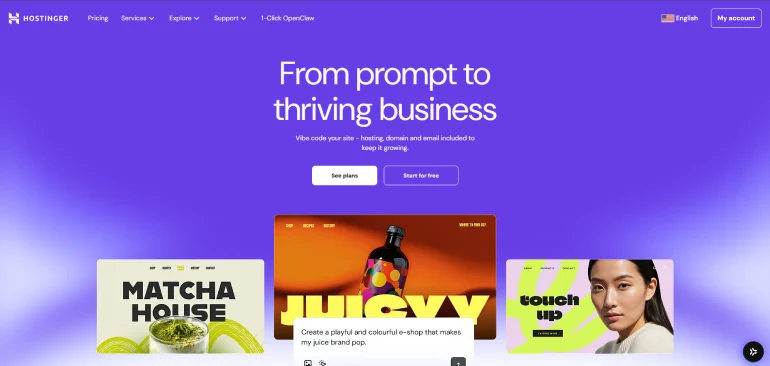
Hostinger is the most popular budget hosting pick for beginners right now, and for good reason. It packs a lot into a low starting price.
What you get: The Premium shared hosting plan (their most popular for beginners) includes free SSL, a free domain for the first year on annual plans, weekly backups, unlimited bandwidth, a free CDN, email accounts, and access to the hPanel control panel. hPanel is Hostinger’s custom dashboard. It is clean, well-organized, and much easier to navigate than the old-style cPanel that many other hosts still use.
The AI tools: Hostinger includes an AI website builder called Horizons, an AI assistant called Kodee that can execute over 350 hosting tasks through a chat interface, and an AI email marketing tool called Reach. For beginners who want help setting things up, Kodee is genuinely useful.
Hostinger runs on LiteSpeed web servers with NVMe storage on higher plans. Independent tests in 2025 and 2026 show strong load speed results. Their network has 11 data center locations across Europe, Asia, and the Americas, so you can choose a server close to your audience.
The honest limitation: The renewal price jumps from around $3.99/mo to $11.99/mo is significant. Plan for this in your budget before signing up. No phone support is available, only live chat.
Pros | Cons |
Very low intro price with a lot of features included | Renewal price is significantly higher than intro rate |
hPanel is one of the cleanest beginner-friendly dashboards available | No phone support, live chat only |
11 global data centers, including Southeast Asia and South America | Daily backups require the Business plan or higher |
AI assistant Kodee can complete hosting tasks through chat | Free plan was discontinued in 2024 |
30-day money-back guarantee | |
Free migration for existing sites |
Best For: Beginners who want the most features for the lowest starting price. Also great for bloggers and small business owners outside the US who need data centers close to their audience.
#2 SiteGround — Best for Performance and Built-in Security
TRUSTED BY 3M+ DOMAINS | GOOGLE CLOUD INFRASTRUCTURE
💰 Intro Price: From $3.99/mo (StartUp, promotional 12-month term) | Renews: ~$17.99/mo after first term | Check world.siteground.com for latest prices

SiteGround costs more at renewal than any other provider on this list. So why is it worth considering? Because it delivers some of the strongest performance and security features of any shared host at this price bracket.
What you get: Every SiteGround plan includes free SSL, free CDN, daily automatic backups, free email, and a 30-day money-back guarantee. Even the entry-level StartUp plan has daily backups included. That is rare at this price point. Most cheap hosts only include weekly backups on entry plans.
Infrastructure: SiteGround runs on Google Cloud infrastructure. This gives it reliable uptime and fast load speeds. Their custom SuperCacher plugin significantly boosts WordPress site speed on GrowBig and GoGeek plans. The Site Tools dashboard is modern and beginner-friendly.
Security: SiteGround blocks 99.99% of malicious traffic before it reaches your site using a multilayered system. AI anti-bot protection, a web application firewall, and spam email filtering are all active by default. You do not need to configure these.
The renewal reality: Renewing at $17.99/mo is the steepest renewal rate on this list. If you are very budget-conscious long-term, plan to migrate to another provider before renewal or budget for the higher rate.
Pros | Cons |
Daily automatic backups included on all plans | Highest renewal rate on this list at $17.99/mo |
Google Cloud infrastructure with fast, reliable performance | StartUp plan limited to 1 website only |
Multilayer security active by default with no extra configuration | No free domain on StartUp plan (check official site for current offers) |
Site Tools dashboard is clean and easy for beginners | |
Free CDN included across all plans | |
Supports up to 10,000 monthly visits on StartUp |
Best For: Beginners who prioritize security and reliability over the lowest possible long-term cost. Strong choice for WordPress sites and small businesses where downtime would be costly.
#3 Bluehost — Best for WordPress Beginners with Phone Support
OFFICIAL WORDPRESS.ORG RECOMMENDED HOST
💰 Intro Price: Starter from $4.99/mo (promotional) | Renews: ~$11.99/mo after first term | Check bluehost.com for latest prices
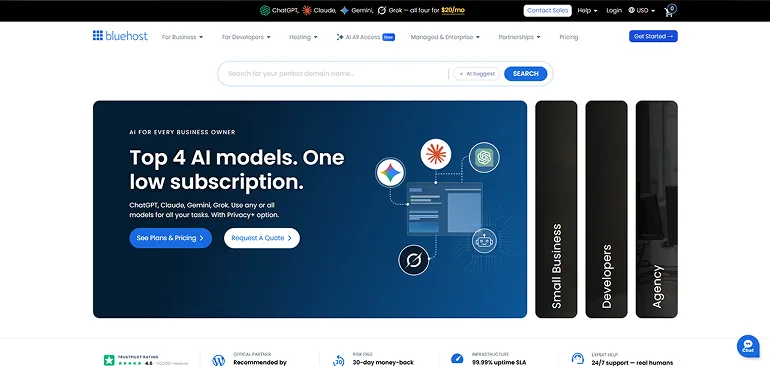
Bluehost is one of the longest-running names in beginner hosting. It has been officially recommended by WordPress.org for over a decade. If your goal is to build a WordPress site and you want the comfort of phone support when things go wrong, Bluehost is worth considering.
What you get on the Starter plan: 10 websites, 10 GB NVMe storage, a free domain for the first year, free SSL, 24/7 support via chat and phone, an AI site creation tool, malware scanning, and a web application firewall. For a beginner launching their first blog or small business site, this covers everything needed to get started.
WordPress integration: Bluehost auto-installs WordPress when you complete signup. The onboarding process walks you through basic site setup. Their plans are tested and optimized for WordPress performance.
Phone support: This is a real differentiator. Hostinger and SiteGround do not offer phone support. If you prefer talking to a human when you have a problem, Bluehost is the best pick at this price point.
Pros | Cons |
Phone support included 24/7 on all plans | Starter plan storage is limited at 10 GB |
Official WordPress.org recommended host | Add-on upsells during checkout can be confusing for beginners |
Includes AI site builder and malware scanning on the Starter plan | Interface feels more cluttered than hPanel or SiteGround Site Tools |
Free domain and SSL included | |
WordPress auto-installs on signup | |
Reasonable renewal rate compared to SiteGround |
Best For: Complete beginners who want phone support and a host that is officially endorsed for WordPress. A solid all-around choice for first-time website owners.
#4 DreamHost — Best Renewal Rate and More Website
25 WEBSITE | 100% UPTIME GUARANTEE
💰 Intro Price: From $2.89/mo (shared hosting) | Renews: ~$10.99/mo after first term | Check dreamhost.com for latest prices
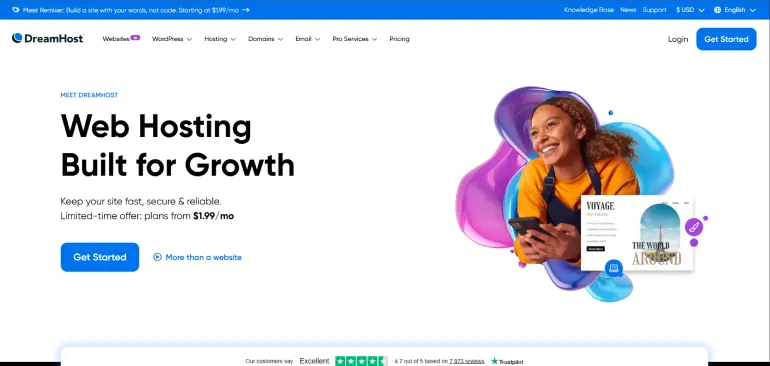
DreamHost stands out for two specific reasons: it has the best renewal rate on this list among fully-featured shared hosts, and you can host 25 websites on the basic plan.
What you get: DreamHost’s shared hosting includes free SSL, unmetered bandwidth with no overage fees, a free domain for the first year on annual plans, one-click WordPress installation, and access to a custom control panel. DreamHost also provides a free handcrafted starter website with all hosting plans, which is useful if you want something live quickly before you build the full site. DreamHost includes an AI website builder called Remixer.
Uptime commitment: DreamHost offers a 100% uptime guarantee. If your site goes down beyond scheduled maintenance, you receive credit on your account. This is a stronger commitment than the 99.9% guarantee most hosts offer.
Support model: DreamHost does not offer phone support. Support is handled via live chat during set hours and email tickets around the clock. Response times are generally good but not instant for email tickets.
Privacy focus: DreamHost is one of the few hosts that includes free WHOIS domain privacy on all plans. Many hosts charge extra for this. It keeps your personal contact information out of public domain records.
Pros | Cons |
Best renewal rate on this list for a full-featured shared host | No phone support |
AI website builder Remixer | Live chat hours are limited (not 24/7 according to official site) |
100% uptime guarantee with account credits for downtime | Interface is less modern than Hostinger or SiteGround |
Free domain privacy included | |
Unmetered bandwidth with no overage fees | |
Free handcrafted starter website |
Best For: Budget-conscious beginners who plan to stay with their host long-term. The lower renewal rate makes DreamHost the most affordable option over a two to four-year period.
Also Worth Considering: 3 More Budget Picks
These three providers are worth a look depending on your specific situation. Because their promotional pricing changes frequently, always check their official websites for the most current rates before purchasing.
#5 InMotion Hosting — Best for US-Based Businesses Needing US Servers
US-BASED HOST | 90-DAY MONEY-BACK GUARANTEE
💰 Intro Price: From $2.99/mo (shared hosting) | Renews: ~$11.99/mo after first term | Check inmotionhosting.com for latest prices
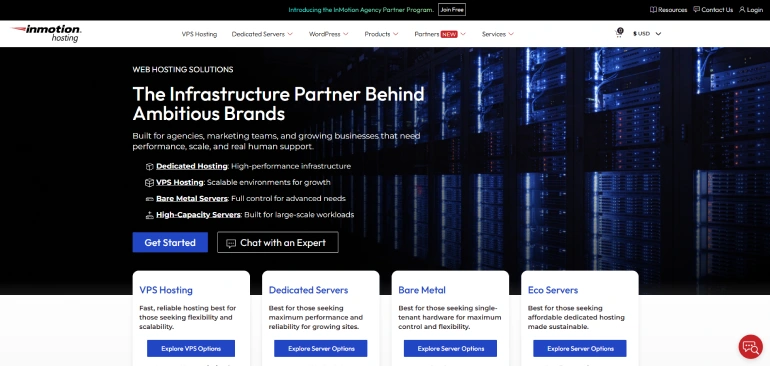
Why it stands out: InMotion Hosting is a US-headquartered provider with data centers in the United States. If your audience is primarily in the US and you want a host that is based there, InMotion is a solid choice. It includes free SSL, free domain, SSD storage, and one-click WordPress on all shared plans. The 90-day money-back guarantee gives you three months to evaluate the service.
Pricing: Check the current promotional pricing directly at inmotionhosting.com, as rates vary by current promotion and billing term. Renewal pricing should also be confirmed on their official pricing page before purchasing.
Pros | Cons |
US data centers for US-audience sites | Fewer international data center options |
90-day money-back guarantee | The interface can feel dated for beginners unfamiliar with cPanel |
Free domain and SSL on shared plans | |
cPanel included |
Best For: US-based small businesses and bloggers whose audience is primarily located in North America.
#6 Hosting.com — Best for Speed-Focused Developers and Bloggers
TURBO SERVERS | DEVELOPER-FRIENDLY
💰 Intro Price: From $2.99/mo (shared hosting) | Renews: ~$11.99/mo after first term | Check hosting.com for latest prices
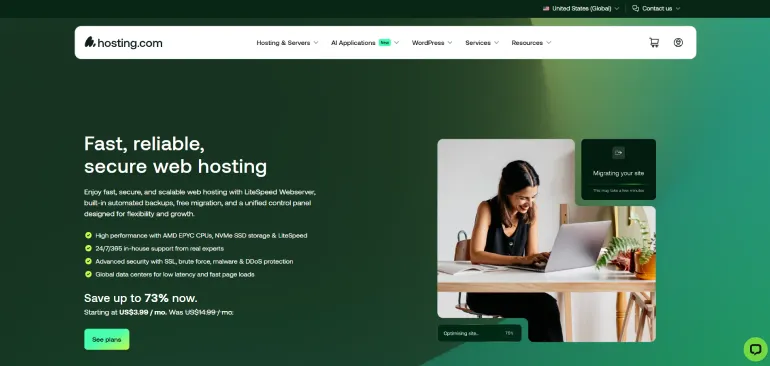
Why it stands out: Hosting.com is known for prioritizing page speed. Their higher-tier Turbo plans use LiteSpeed technology, which can significantly reduce page load times on content-heavy sites. For a blogger or affiliate site owner who publishes a lot of content and wants speed optimized from the start, hosting.com is worth evaluating.
Pricing: Check current pricing directly at hosting.com. Rates change with promotions. Note that the Turbo speed features are available on higher-tier plans, not the entry-level plan.
Pros | Cons |
Speed-optimized servers on Turbo plans | Only 10 email accounts using domain name |
30 Days money-back guarantee | There is no NVMe storage; all are SSD |
Daily Backup in all plan | |
Monarx Security (behavior-based AI detection system) |
Best For: Bloggers and affiliate site owners who want speed-focused hosting and are willing to pay a bit more for it.
#7 Namecheap — Best Ultra-Budget Option for Simple Sites
DOMAIN REGISTRAR THAT ALSO OFFERS HOSTING
💰 Intro Price: From $2.28/mo (30 days free trial) | Renews: Check namecheap.com for renews prices
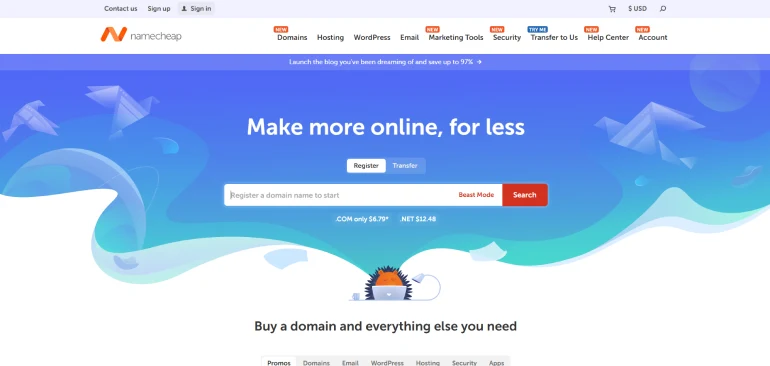
Why it stands out: Namecheap is primarily known as a domain registrar, but it also offers shared hosting at very low prices. If you already buy domains from Namecheap, keeping hosting there too simplifies management. It suits simple static websites, landing pages, and low-traffic blogs.
Pricing: Check current pricing directly at namecheap.com. Namecheap regularly adjusts promotional rates. Their hosting is among the cheapest available, though the feature set is more basic than Hostinger or SiteGround at similar price points.
Pros | Cons |
Very low entry prices | Feature set is more basic than dedicated hosting providers |
Simple for single domain use | Support quality does not match larger hosting-focused companies |
Good for managing domains and hosting in one place | |
Sitejet AI Website Builder |
Best For: Beginners who just need something simple and cheap online, particularly if they already buy domains from Namecheap.
Which Cheap Hosting Should You Choose?
Here is the plain-language recommendation based on your situation:
If you are a complete beginner launching your first site:
Choose Hostinger. It has the best combination of low price, beginner-friendly dashboard, strong features, and good speed. The 30-day money-back guarantee means you can try it without risk.
If you want the lowest cost over two or four years:
Choose DreamHost. The intro price is around $2.89/mo and the renewal rate is among the lowest on this list.
If security and daily backups matter most to you:
Choose SiteGround. Daily backups on all plans, Google Cloud infrastructure, and multilayer security make it the safest entry-level option. Budget for the higher renewal rate.
If you want phone support and official WordPress endorsement:
Choose Bluehost. It is the only provider on this list with phone support on entry plans, and it has been officially recommended by WordPress.org for years.
Bottom line: For most beginners, Hostinger is the right starting point. It gives you the most for your money. Budget for the renewal rate from day one, and you will not be caught off guard.
3 Things to Do Right After You Sign Up for Hosting
Once you have your hosting account, these are the first three steps to take before you do anything else:
- Connect your domain: If you did not register a domain through your host, point your existing domain to your new host’s name servers. Your host’s support team can walk you through this in minutes.
- Install WordPress: Every host on this list has a one-click WordPress installer. Use it. WordPress is the most popular way to build a website and gives you access to thousands of free themes and plugins.
- Activate your free SSL certificate: SSL gives your site the HTTPS padlock in the browser. Every host on this list includes it free. Check your control panel and make sure it is active before you start publishing content.
Want deeper reviews? We have full in-depth reviews of Hostinger on RexoHub with independent performance data, side-by-side plan breakdowns, and discount links.
Frequently Asked Questions
Q: What is the cheapest hosting that is actually reliable?
InMotion and DreamHost both offer plans starting under $3 per month with strong reliability track records. InMotion starts from $2.99/mo and DreamHost starts from $2.89/mo on their shared hosting plans, based on official website pricing. Both include free SSL and a money-back guarantee. Reliability goes beyond price though. Look for a host with a 99.9% or higher uptime guarantee and verified uptime records.
Q: Is cheap hosting bad for SEO?
Not necessarily. Page speed and uptime affect SEO, and these can vary with cheaper plans. The good news is that modern budget hosts like Hostinger and SiteGround run on fast infrastructure and achieve strong load times even on entry-level plans. Installing a caching plugin on WordPress and using the host’s built-in CDN will help. Where cheap hosting can hurt SEO is if the server goes down frequently. Always check the uptime guarantee before signing up.
Q: Can I use cheap hosting for WordPress?
Yes. Every provider on this list supports WordPress with a one-click installer. Bluehost auto-installs WordPress for you during signup. Hostinger and SiteGround both offer WordPress-optimized shared hosting plans. For a new WordPress blog or affiliate site, shared hosting is more than adequate. You would only need to upgrade to managed WordPress hosting or VPS hosting if your site starts receiving tens of thousands of visitors per month.
Q: What happens when my cheap hosting plan renews?
The price goes back to the regular rate. For example, if you sign up for Hostinger at $3.99/mo for 12 months, you pay $47.88 upfront. When that term ends, renewal is at approximately $11.99/mo. To avoid a surprise, note your renewal date when you sign up. You can either budget for the higher rate or switch to a new provider’s promotional rate when renewal approaches.
Q: Do cheap hosting plans include a free domain name?
Most do, for the first year. Hostinger, Bluehost, and DreamHost all include a free domain for the first year on annual plans. SiteGround includes a free domain on certain plans. Check the official pricing page for each provider before signing up, as these offers can change. After the first year, domain renewal typically costs $10 to $20 per year for a standard .com domain.
Conclusion: Find the Best Cheap Hosting for Your Needs
The best cheap hosting is not always the one with the lowest advertised price. It is the one that gives you reliable performance, includes the features you need, and does not surprise you with a huge renewal bill.
For most beginners, Hostinger hits the right balance of price, features, and ease of use. DreamHost is the best pick if you want the lowest long-term cost. SiteGround wins on security and daily backups. Bluehost is the right choice if you want phone support and a trusted WordPress host.
Whatever you choose, use the money-back guarantee. Sign up, build your site, and evaluate the experience before the guarantee window closes. That is the safest way to find hosting that actually works for you.
→ Start with Hostinger | 30-Day Money-Back Guarantee
Read our full Hostinger review for an in-depth look at speed test results, hPanel walkthrough, and a full plan comparison before you decide. You can check our guide on how to choose the best website hosting.
